Note: CrashPlan is being decommissioned on 11/15. After this date, CrashPlan backups will no longer be available. Users are encouraged to use alternative file backup solutions such as Microsoft OneDrive.
- Download and install CrashPlan.
- Open CrashPlan.
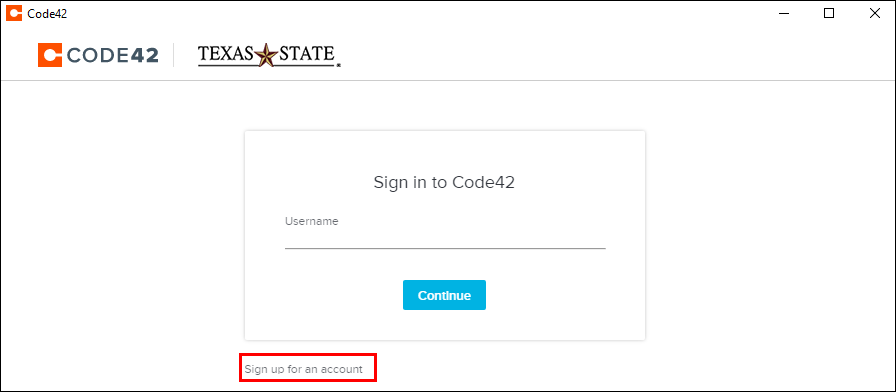
- Click Sign up for an account.
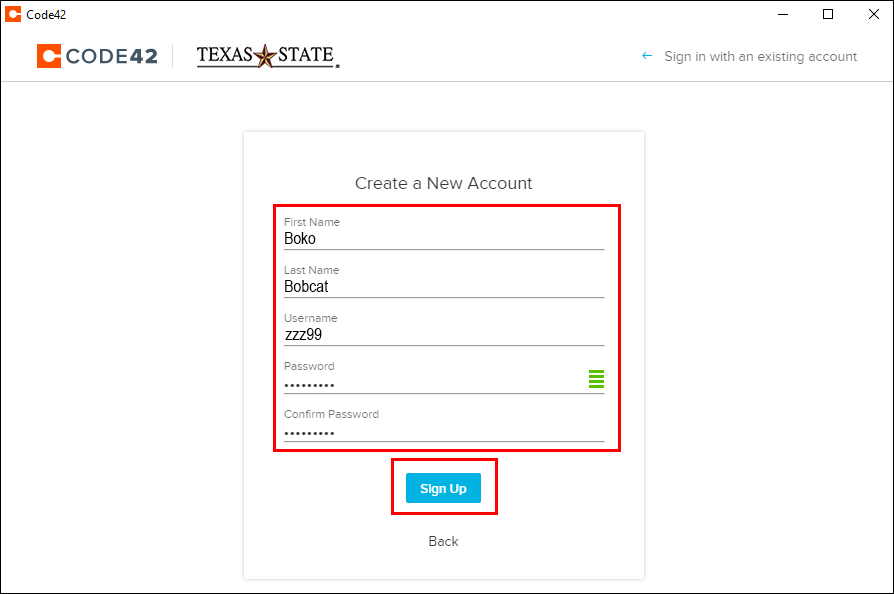
- Enter your first and last name, your NetID in the Username field, and your NetID password in the Password field. Confirm your NetID password and click Sign Up.
- You will see the home screen.
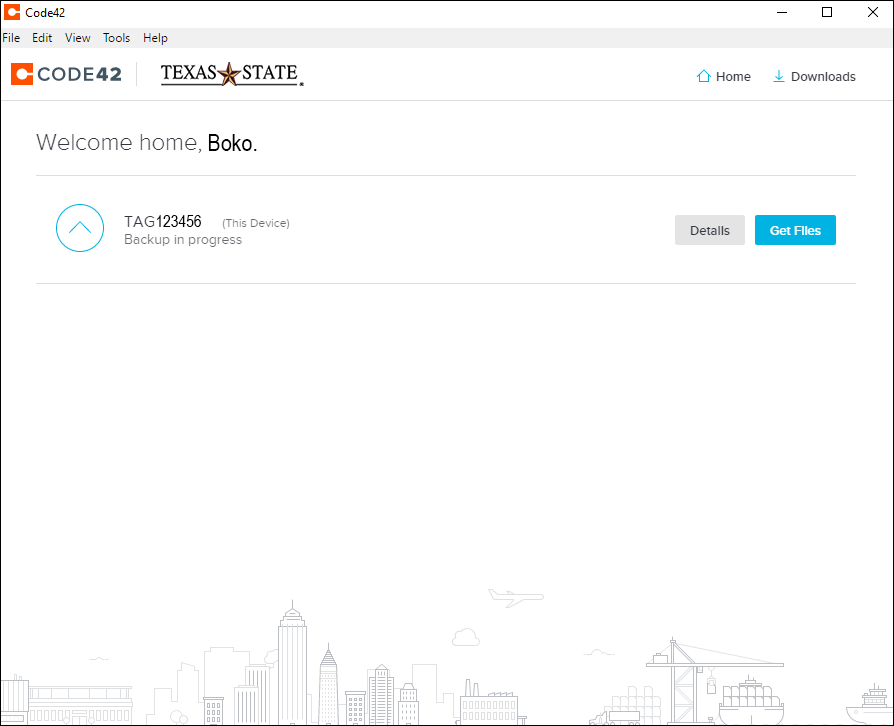
NOTE: The backup process will begin automatically. It will take a long while to run the initial backup of all of your files. Feel free to close the software to run the backup.