How to use Feedback Studio for Canvas Assignments
Body
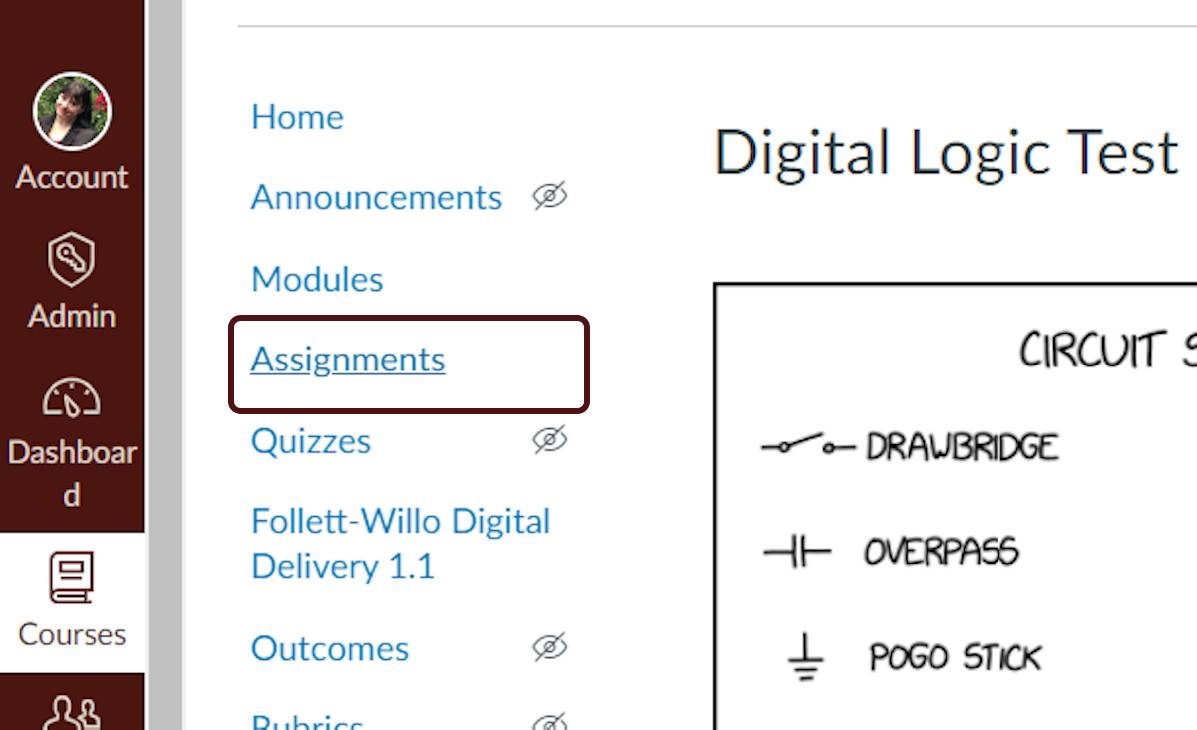
- Click on Assignments.
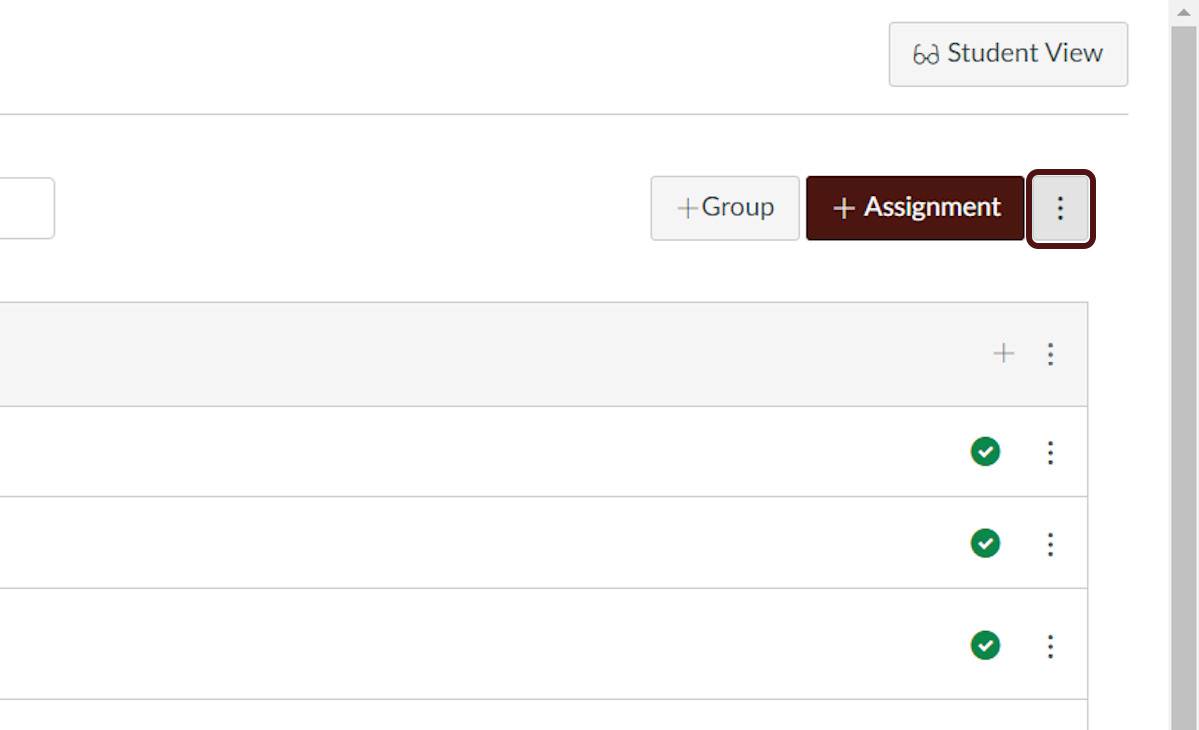
- Select the ellipsis icon next to +Assignment button.
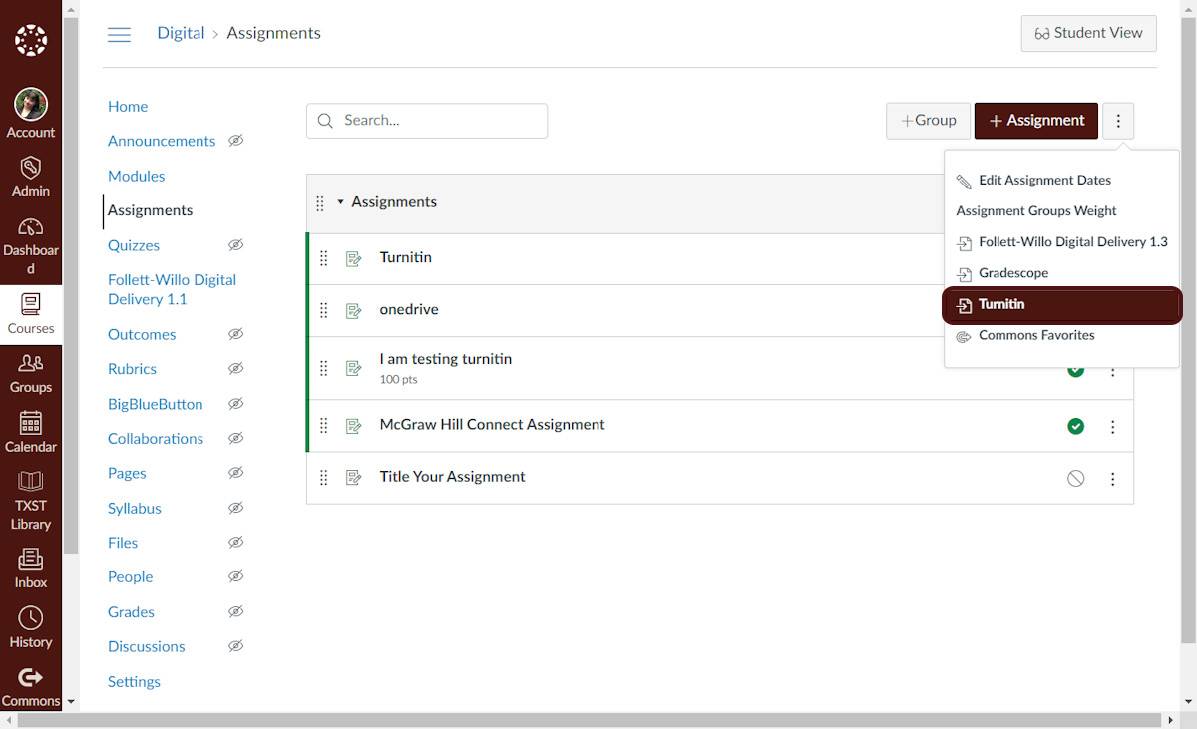
- From the drop down menu, Select Turnitin.
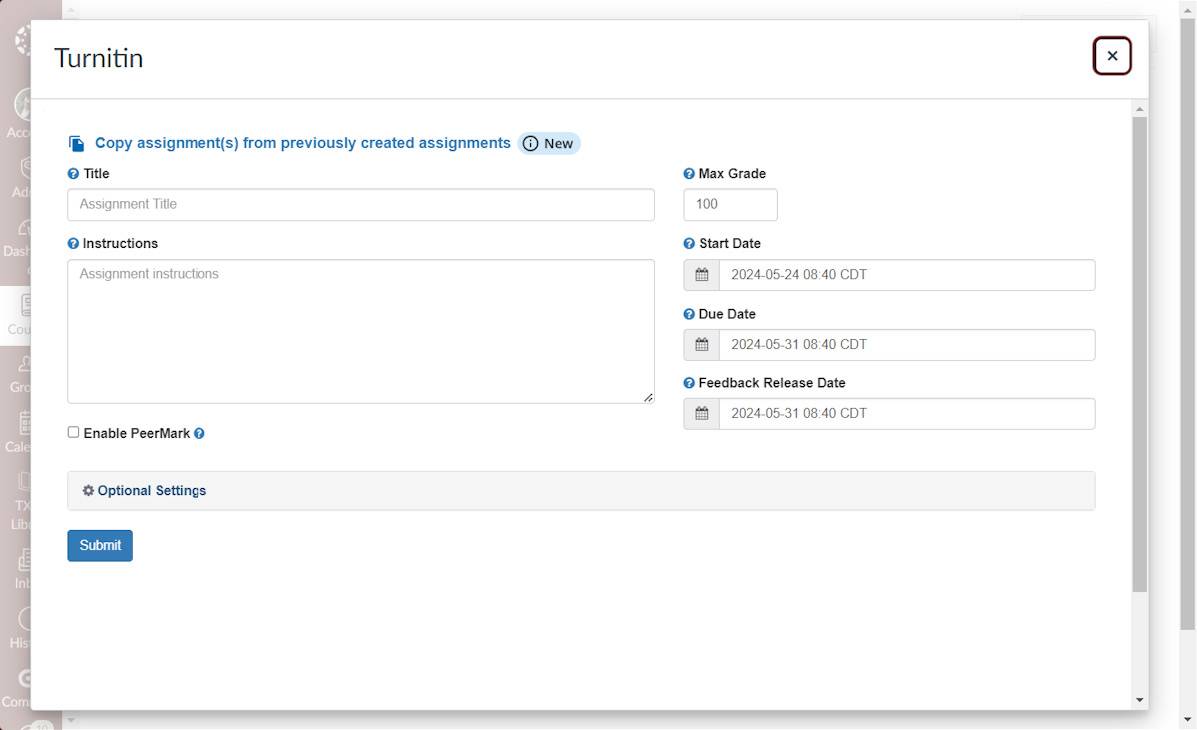
- Then customize the assignment to your liking, and then Press Submit.
Video Tutorial
Details
Details
Article ID:
522
Created
Mon 6/9/25 12:33 PM
Modified
Mon 5/25/26 9:02 AM